Image Comparison Technology Explained: How Computers Determine If Two Images Are Similar
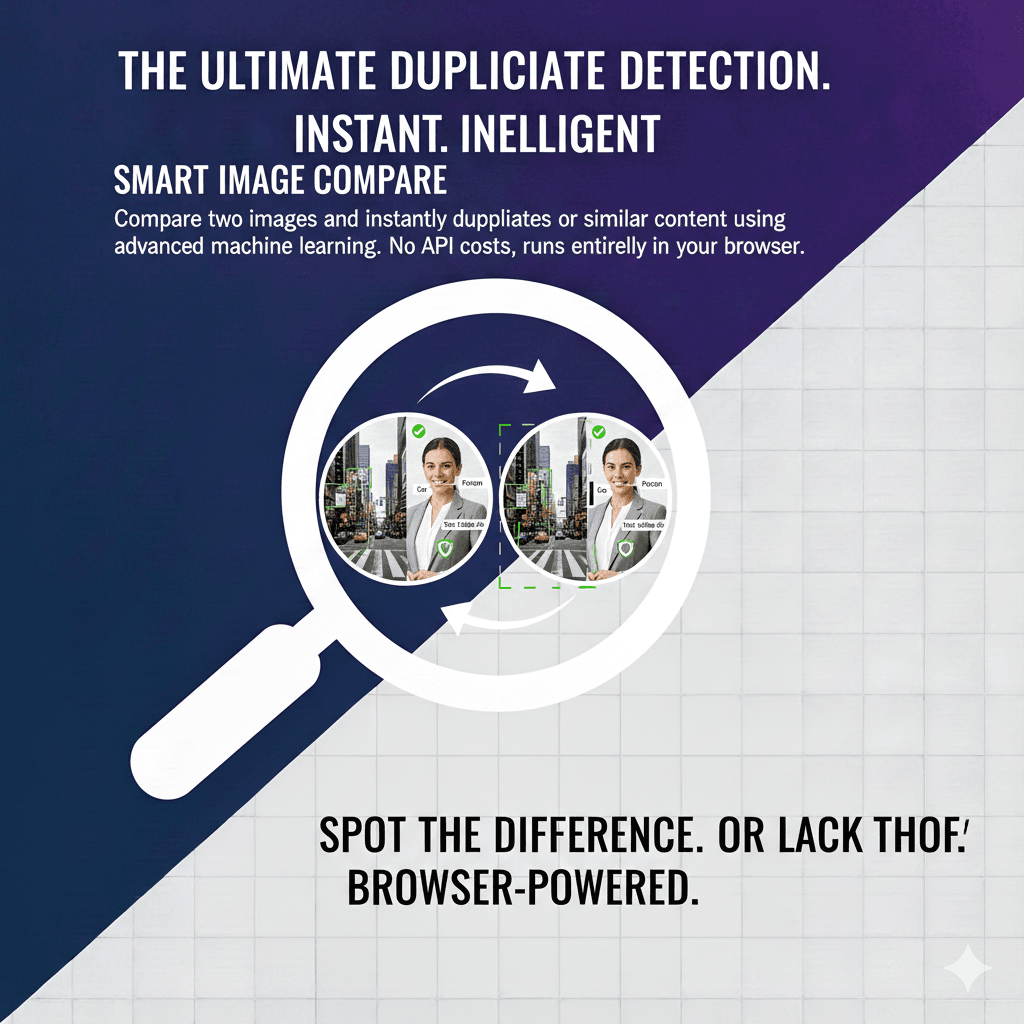
Image comparison is a fundamental task in computer vision that touches nearly every industry — from quality assurance in manufacturing to copyright enforcement in digital media. At its core, image comparison answers a deceptively simple question: "How similar are these two images?" The answer, however, requires sophisticated mathematics and carefully designed algorithms. DuplicateDetective's Smart Compare tool uses neural network-based feature extraction to provide accurate, meaningful similarity scores between any two images you upload.
How Digital Image Comparison Works
There are several approaches to comparing images, each with different strengths and appropriate use cases. Understanding these methods helps you interpret comparison results and choose the right approach for your needs.
Pixel-by-Pixel Comparison
The simplest form of image comparison examines each pixel individually and calculates the difference in color values. Metrics like Mean Squared Error (MSE) and Peak Signal-to-Noise Ratio (PSNR) quantify these pixel-level differences. While computationally fast, pixel comparison is extremely sensitive to even minor changes. A single-pixel shift from resizing, slight brightness adjustment, or JPEG recompression can produce a large calculated difference despite the images appearing identical to the human eye. For this reason, pixel comparison is most useful in controlled environments like automated testing where images are expected to be mathematically identical.
Perceptual Hashing (pHash)
Perceptual hashing bridges the gap between mathematical precision and human perception. Instead of comparing individual pixels, pHash algorithms reduce an image to a compact binary fingerprint — typically 64 or 256 bits — that captures the image's perceptual essence. The process works by converting the image to grayscale, resizing it to a small standard size (often 32x32 pixels), applying a discrete cosine transform (DCT) to extract frequency information, and then converting the dominant frequencies into a binary hash. Two images that look the same to a human will produce very similar hashes, even if one has been slightly resized, cropped, or compressed. The "distance" between two hashes (measured as the Hamming distance — the number of differing bits) indicates how visually similar the two images are.
Structural Similarity Index (SSIM)
SSIM was developed specifically to measure image quality in a way that aligns with human visual perception. Rather than measuring absolute differences, SSIM compares three components: luminance (overall brightness), contrast (the range of light and dark values), and structure (the pattern of pixel relationships). By combining these three measurements, SSIM produces a score between -1 and 1, where 1 indicates perfect structural similarity. SSIM is widely used in video compression quality assessment, medical imaging, and satellite imagery analysis because its results correlate closely with how humans subjectively judge image quality.
Deep Learning Feature Extraction (Our Approach)
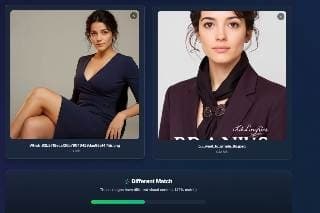
DuplicateDetective's Smart Compare uses a fundamentally different approach: neural network-based feature extraction. When you upload two images, each is processed through a pre-trained convolutional neural network (specifically MobileNet) that extracts a high-dimensional feature vector capturing the semantic content of the image. Think of this vector as a rich "description" of what the image contains — not just shapes and colors, but the actual objects, textures, and compositional elements. The similarity between the two images is then calculated using cosine similarity between their feature vectors. This approach can determine that two photographs of the same dog from different angles are "similar," while recognizing that a photograph of a cat is "different" — something pixel-level comparisons and perceptual hashing cannot do.
Understanding Similarity Scores
| Score Range | Classification | What It Means |
|---|---|---|
| 85% – 100% | Duplicate | The images are essentially the same, possibly with minor edits like cropping, resizing, or compression |
| 65% – 84% | Similar | The images share significant visual content — same subject, scene, or composition but with notable differences |
| 0% – 64% | Different | The images depict different subjects, scenes, or content with minimal visual overlap |
Practical Use Cases for Image Comparison
E-Commerce Product Verification
Online marketplaces use image comparison to identify listings that use stolen product photographs. Sellers sometimes copy photos from legitimate retailers to create fraudulent listings. By comparing product images across listings, platforms can flag potential counterfeits and protect both buyers and legitimate sellers.
Legal and Insurance Applications
In legal disputes over intellectual property, image comparison tools provide objective, quantifiable evidence of similarity between copyrighted works and alleged infringing copies. Insurance companies use image comparison to detect fraudulent claims by comparing damage photos across different claims to identify recycled images.
Quality Assurance and Manufacturing
In manufacturing, image comparison validates that products meet visual specifications. A reference image of a correctly assembled product is compared against photographs of items on the production line. Any deviation above a threshold triggers an alert, enabling automated quality control at scale.
Content Moderation
Social media platforms and online communities use image comparison to prevent re-uploading of banned content. When an image is identified as violating platform policies, its perceptual hash is stored. Any subsequent upload that produces a matching hash is automatically blocked, even if the violator has slightly modified the image.
Frequently Asked Questions
How is image comparison different from reverse image search?
Reverse image search finds where a single image appears on the internet. Image comparison measures the similarity between two specific images you provide. The technologies overlap — both use feature extraction — but serve different purposes. Use reverse image search when you want to find copies of your image online; use image comparison when you have two specific images and want to know how similar they are.
Can this tool compare images of different sizes?
Yes. Our neural network-based comparison normalizes images to a standard input size before extracting features, so images of any resolution or aspect ratio can be meaningfully compared. A small thumbnail and a 4K original of the same image will produce a high similarity score.
What file formats are supported?
Smart Compare supports JPEG, PNG, and WebP formats. Both images can be in different formats — for example, you can compare a JPEG against a PNG without any issues. The maximum file size per image is 10MB.
Is image comparison done locally or on a server?
The feature extraction and comparison are performed directly in your browser using TensorFlow.js and the MobileNet model. This means your images are processed locally on your device and are not sent to any server for the comparison itself. The model is downloaded once and cached in your browser for subsequent uses, ensuring both privacy and speed.
Written by Vipin S. — Associate Manager at a leading global technology firm with 10+ years of experience in enterprise technology and digital asset management systems.
Last updated: February 2026 • About the author • Related: Smart Compare Deep Dive