Understanding Image Analysis: EXIF Data, Metadata, and What Your Photos Reveal
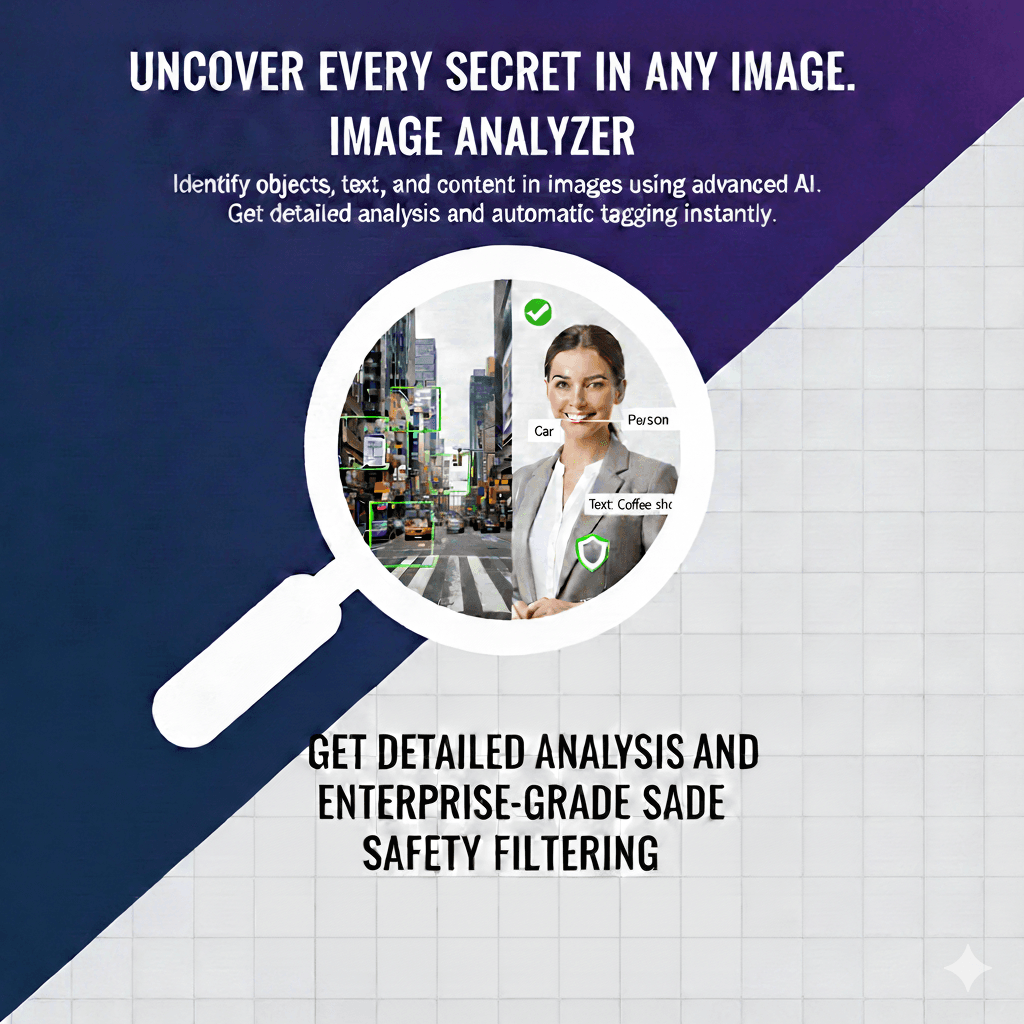
Every digital photograph carries far more information than what you see on screen. Embedded within each image file is a rich layer of metadata that records how, when, where, and with what equipment the photo was taken. This metadata, stored primarily in a format called EXIF (Exchangeable Image File Format), can reveal the exact GPS coordinates where a photo was captured, the camera model and lens used, precise exposure settings, and even the software used to edit the file afterward. DuplicateDetective's Image Analyzer extracts and presents all of this information in a clear, readable format, helping you understand the complete story behind any image.
What Is EXIF Data and Why Does It Matter?
EXIF (Exchangeable Image File Format) is a standard specification that defines the formats for images, sound, and ancillary tags used by digital cameras, smartphones, and image editing software. When you take a photo with any modern device, the camera automatically writes dozens of metadata fields into the image file alongside the visual data. This happens invisibly — you do not see or interact with EXIF data when viewing a photo normally, but it is there, and it can contain a surprising amount of information.
The EXIF standard was first published in 1995 and has been updated several times since. Today, most JPEG and TIFF files contain EXIF data, while PNG and WebP files use similar but different metadata standards (XMP and ICC profiles). Our Image Analyzer reads all common metadata formats, providing a unified view regardless of the file type.
Key Types of Image Metadata
Camera and Equipment Information
EXIF data records the camera manufacturer and model, the lens used (for interchangeable-lens cameras), the focal length, aperture (f-stop), shutter speed, ISO sensitivity, and whether the flash fired. For photographers, this information is invaluable for learning from their own work — understanding which settings produced the best results in different conditions. For photo editors and curators, equipment metadata helps verify the provenance of images and identify the level of equipment used.
GPS Location Data
When location services are enabled on a smartphone or GPS-equipped camera, the exact latitude and longitude where a photo was taken are recorded in the EXIF data. This geolocation data can be precise to within a few meters. While useful for organizing photos by location and creating travel maps, GPS metadata carries significant privacy implications. Sharing a photo taken at your home, workplace, or a child's school can inadvertently reveal those locations to anyone who examines the image's metadata. Many social media platforms now strip GPS data from uploaded images for this reason, but photos shared via email, messaging apps, or personal websites often retain their full geolocation information.
Timestamps and Date Information
EXIF data typically includes three timestamps: the date and time the photo was originally taken, the date it was digitized (usually the same unless scanning a film photograph), and the date it was last modified. These timestamps are critical for organizing photo libraries chronologically, but they also serve forensic purposes. Investigators can use timestamp metadata to verify or challenge claims about when and where a photograph was taken. Note that timestamps can be manually edited, so they should be treated as one piece of evidence rather than definitive proof.
Color Space and Technical Specifications
Image metadata also includes color space information (sRGB, Adobe RGB, ProPhoto RGB), bit depth, resolution (pixels per inch), and color profile data. For designers, print professionals, and photographers who need color accuracy, this information determines how an image will be rendered across different devices and print processes. An image in the Adobe RGB color space, for example, contains a wider gamut of colors than sRGB and may look different when viewed on a monitor that does not support that color space.
Image Forensics: What Metadata Can Reveal
Digital image forensics is a growing field that uses metadata analysis alongside visual inspection to determine the authenticity and history of images. Here are some common forensic techniques that rely on metadata:
- •Detecting manipulation: When an image is edited in software like Photoshop, the software's name and version are often recorded in the metadata. A photo that claims to be an unedited original but contains "Adobe Photoshop CC 2025" in its software field has clearly been processed.
- •Verifying authenticity: The camera model, lens characteristics, and sensor-specific noise patterns recorded in metadata can be cross-referenced to verify that an image was actually taken with the claimed equipment.
- •Tracking image history: By examining the chain of software modifications recorded in XMP metadata (a more detailed metadata format), forensic analysts can reconstruct the editing history of an image, showing what changes were made and in what order.
- •Identifying AI-generated images: Genuine photographs contain camera-specific metadata that AI-generated images typically lack. An image without any camera or equipment information in its EXIF data may be AI-generated, a screenshot, or have had its metadata stripped — any of which warrants further investigation.
Protecting Your Privacy: Managing Image Metadata
Understanding image metadata is the first step toward protecting your privacy. Here are practical steps you can take:
- ✓Disable GPS tagging on your smartphone camera if you do not need it. On iPhone, go to Settings → Privacy → Location Services → Camera → Never. On Android, open the Camera app → Settings → toggle off "Store location."
- ✓Strip metadata before sharing. Use tools like the built-in "Remove Properties and Personal Information" option in Windows (right-click → Properties → Details → "Remove Properties and Personal Information") or free tools like ExifTool to remove all metadata before sharing images publicly.
- ✓Check what platforms preserve. Most major social media platforms (Facebook, Instagram, Twitter) strip EXIF data from uploaded images. However, email attachments, direct file sharing, personal websites, and cloud storage links typically preserve all metadata. Always check before sharing.
- ✓Use our Image Analyzer to check. Before sharing any image publicly, run it through DuplicateDetective's Image Analyzer to see exactly what metadata it contains — you may be surprised by how much information is embedded.
Frequently Asked Questions
What types of images contain EXIF data?
JPEG and TIFF images are the primary formats that support EXIF data. PNG files use a different metadata format (text chunks and XMP). WebP images can contain XMP metadata. Screenshots, AI-generated images, and images that have been converted between formats often lose some or all of their original metadata. Our Image Analyzer reads all available metadata regardless of format.
Can metadata be faked?
Yes, EXIF data can be edited, added, or removed using widely available tools. This is why metadata analysis is valuable as one piece of a forensic investigation but should not be treated as absolute proof. A sophisticated forger could insert plausible camera and GPS data into an AI-generated image, but inconsistencies between the claimed equipment and the image's actual technical characteristics (noise patterns, lens distortion, color rendering) often reveal the deception.
Does analyzing an image affect its quality?
No. DuplicateDetective's Image Analyzer only reads the data embedded in your image file — it does not modify, compress, or alter the file in any way. The original file remains completely unchanged. You can safely analyze any image without worrying about quality degradation.
Written by Vipin S. — Associate Manager at a leading global technology firm specializing in data integrity, digital forensics, and enterprise technology infrastructure.
Last updated: February 2026 • About the author • Related: Image Analyzer Deep Dive